Film Simulation
I HP5 Plus 400
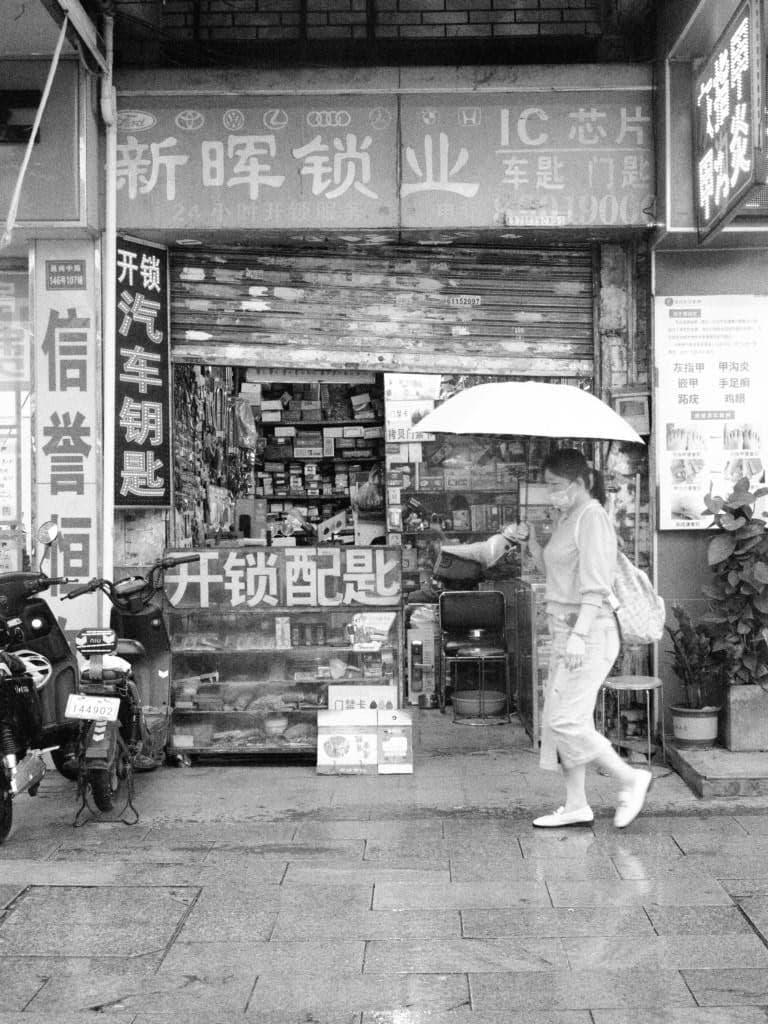
HP5 Plus is the film you hand someone who has never shot black and white. Ilford has been making some version of it since the 1930s, and the current emulsion has been essentially unchanged since 1989. It is rated at ISO 400, it will tolerate being shot anywhere from 200 to 3200, and it will still give you a printable negative at either end. Photojournalists carried it for decades for exactly that reason: it is very hard to ruin.
Its character is classic grain — visible, irregular, structural, nothing like the fine tabular grain of Delta or T-Max. Contrast is medium and the tonal curve is long and gentle, so it holds detail in a bright sky and a dark doorway in the same frame. It is not a dramatic film. It is a film that gets the shot.
Building it on the Creative Dial
This one uses Art Filter mode rather than Monochrome picture mode, and that choice is the whole recipe.
The Grainy Film art filter is the only thing on an OM body that produces structural, irregular grain. Monochrome picture mode with the noise filter turned off gives you sensor noise, which is a fine even speckle — it reads as a digital artefact, not as film. Grainy Film builds grain into the image rather than leaving noise in it, and the difference is obvious as soon as you print or view at 100%. Variation II is the softer of the two, which is the right match for HP5's medium contrast; Variation I is far steeper and belongs on a push-processed film.
The Orange filter effect is a direct simulation of a physical filter screwed onto the lens. Orange darkens blues and lightens reds and yellows, which does three things at once: it separates clouds from sky instead of letting both render as the same pale grey, it darkens foliage slightly, and it renders skin a stop or so lighter and smoother. This is standard black-and-white practice and it is the single biggest improvement you can make to a digital mono conversion.
The tone curve is the aggressive part, and it runs the opposite direction to what most people expect from a "contrasty" black-and-white look. Highlights come down five and shadows go up four, with midtones lifted two — a hard compression from both ends that flattens the image before anything else touches it.
That is deliberate, and it is doing two jobs. Grainy Film applies a contrast curve of its own, so starting from a flat base leaves the filter room to work without clipping the ends; start from a normal curve and you get blown skies and blocked shadows with no detail to recover. And it is the closest a sensor gets to HP5's actual defining property — a long, gentle tonal scale that holds a bright sky and a dark doorway in the same frame. The wide latitude everyone praises the film for is exactly this shape.
Noise Filter sits on Low rather than Off: the art filter is supplying the texture, so leaving sensor noise on top of it just muddies the grain structure you actually want.
White balance is left on Auto with no shift. In monochrome it affects only how the colour channels are weighted before conversion, and Auto is a reasonable default here — the orange filter effect is where the channel mixing that matters is happening.
How to shoot it
Everywhere. That is not a non-answer, it is the point of the film. It handles mixed light, backlight, deep shade and overcast without complaint.
Expose normally and trust the latitude — with shadows lifted this far, deliberately underexposing to "let the shadows go" mostly gets you murk rather than drama, because the curve pulls them straight back up. If you want more contrast, find it in the light instead: hard side light, backlight, a shaft of sun down a street. The recipe holds detail at both ends, so the scene has to supply the separation.
The Recipe
Enter these on your camera, then save to a custom mode.
Global Settings
Dial Mode
Art Filter
Highlight
-5
Shadow
+4
Midtone
+2
White Balance
Auto
A↔B Shift
0
G↔M Shift
0
Noise Filter
Low
Keep Warm Color
No
Mode Settings (Art Filter)
Art Style
Grainy Film
Variation
II
Filter Type
None
Mono Filter Effect
Orange
Mono Color
Normal
Notes
Grainy Film is an art filter, so it applies to the JPEG and to the live view but not to the RAW file. If you shoot RAW+JPEG you will get a clean colour RAW alongside the rendered frame — useful as a safety net, but the recipe only exists in the JPEG.
Art filters slow down burst shooting noticeably on older bodies, since each frame is rendered rather than just demosaiced. Worth knowing before a fast-moving street session.
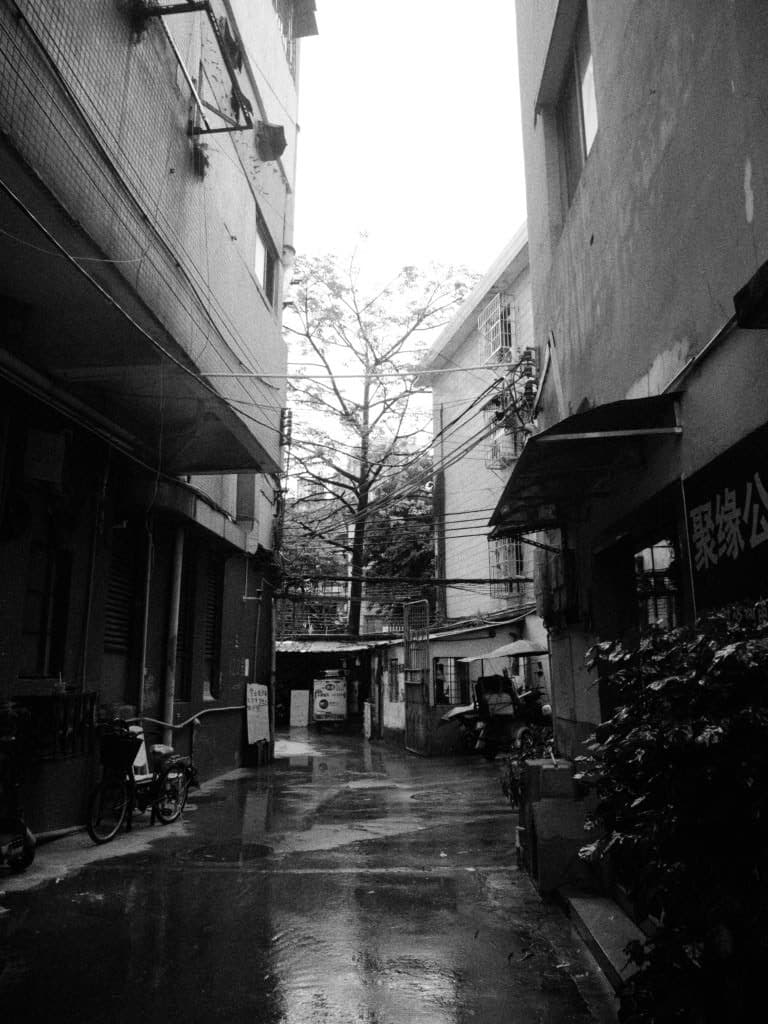
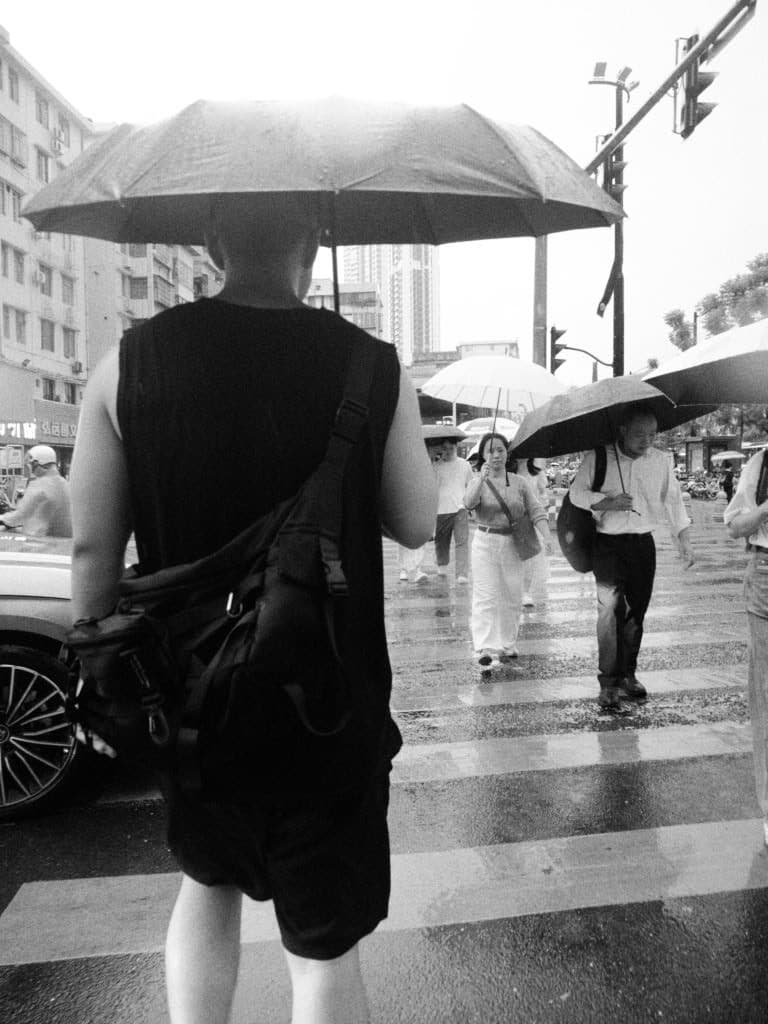
Sample images
Tags
Film stock names are referenced only to describe the look each recipe is built to evoke. OM Film Lab is not affiliated with, endorsed by, or sponsored by any film manufacturer, or by OM Digital Solutions or Olympus. All trademarks belong to their respective owners.